
 Previous
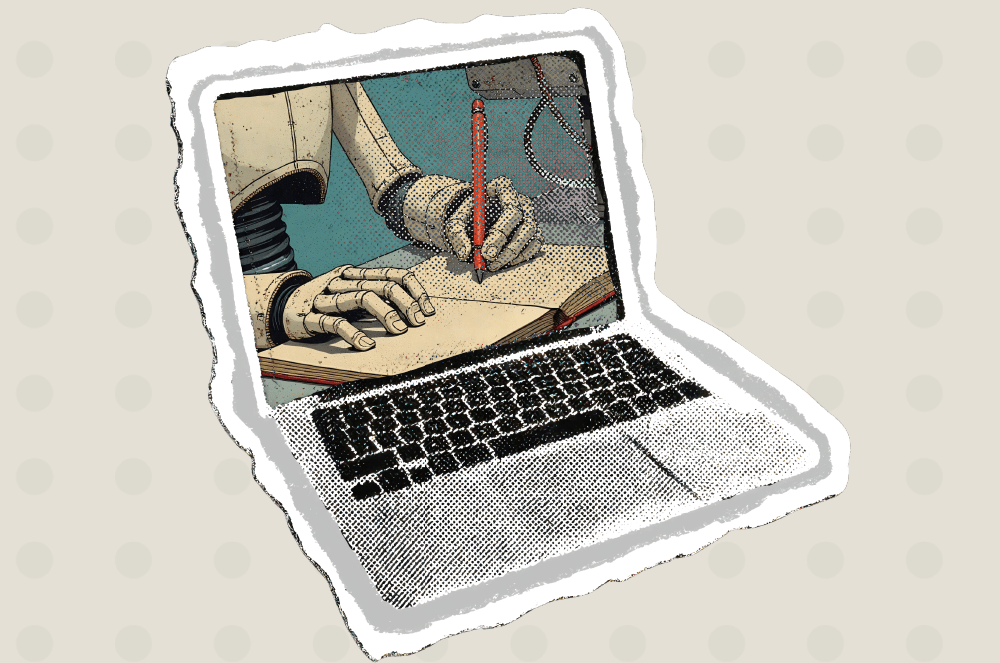
Generative artificial intelligence tools like OpenAI’s ChatGPT, Anthropic’s Claude, Microsoft’s Copilot, and Google’s Gemini, are rapidly becoming essential speech preparation weapons in the arsenal of speakers. They can expedite conceptualizing and organizing speeches, and provide content ideas that speakers likely never would have considered.
But they are tools that also must be used thoughtfully and with some caution. Learn how you can use AI to help you plan and prepare your speeches.
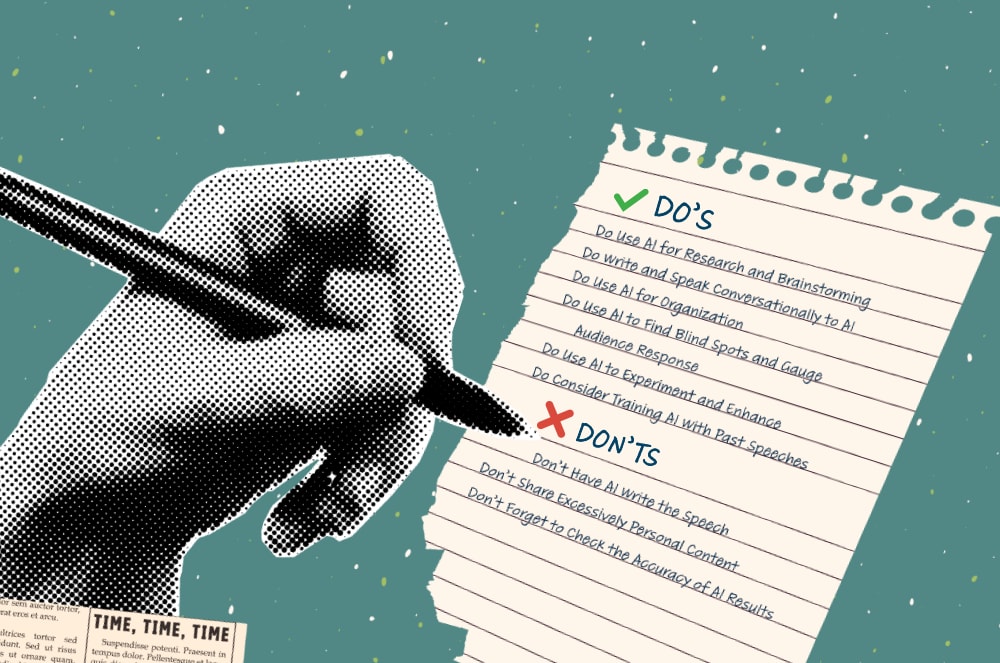
DO’S
Do Use AI for Research and Brainstorming
AI excels at research, and rapidly finding facts can give speechwriters content options. Using AI can allow you to hop over the blank-page phenomenon—those times when you struggle to commit initial thoughts to paper or computer—in a matter of seconds.
Toastmasters International President-Elect Stefano McGhee, DTM, uses AI to enhance his speeches in Toastmasters and in his position as senior director of technology operations at Harvard Business Publishing.
For speeches that need factual support, McGhee, a member of Network Voice Club in Weymouth, Massachusetts, finds AI helpful in finding data that supports or contradicts the premise of a speech. It can even make sense of conflicting data if you continue asking it for more explanations about the discrepancies, and if and how those can be reconciled. (See the Don’ts section for why you always need to confirm accuracy of any of AI’s findings.)
AI works on prompts—continually refined commands—to brainstorm content, perform research, and organize your points. McGhee points out that ineffective prompts are unclear or too general, like, “Help me make my speech better.” Specificity is key in effective prompting.
Good prompt creation largely determines how helpful AI will be, says Diane Windingland, DTM, a professional speech coach and owner of Virtual Speech Coach.
She notes that the more specifics you provide on what you want to include, the better it can help you brainstorm and discover helpful additions. “You probably want to give the context of the speech, the audience that you will be speaking to, why you are speaking on this particular topic, any points you definitely want to cover, anything you definitely don’t want to cover, how long the speech is going to be, and the level of interactivity.”
For help understanding how to create prompts, Windingland, a member of Frankly Speaking Toastmasters in Spring, Texas, and PowerTalk Toastmasters in Minnesota, recommends referring to a prompt-creator method outlined by Mark Craddock in the article “The Art of Prompt Crafting.”
Windingland explains, “He starts out with, ‘I want you to become my prompt creator. Your goal is to help me craft the best possible prompt for my needs. ChatGPT, you will follow this process,’ and then he gives this whole process.”
Do Write and Speak Conversationally to AI
There’s no need to be formal and exact when asking a question—you’ll get better results if you “talk” to it as you would to a coworker or friend.
Speech-to-text conversion tools, like Microsoft Copilot’s speech-to-text function, make it easier to write in conversational tone.
McGhee has asked AI for help brainstorming speech openers and endings. “I’ll actually turn on speech-to-text and say to Copilot, ‘I’m trying to put together this presentation. It needs to be about 10 minutes long. Here’s the subject I’m talking about.’” The tool provided some suggestions that he could then incorporate.
Do Use AI for Organization
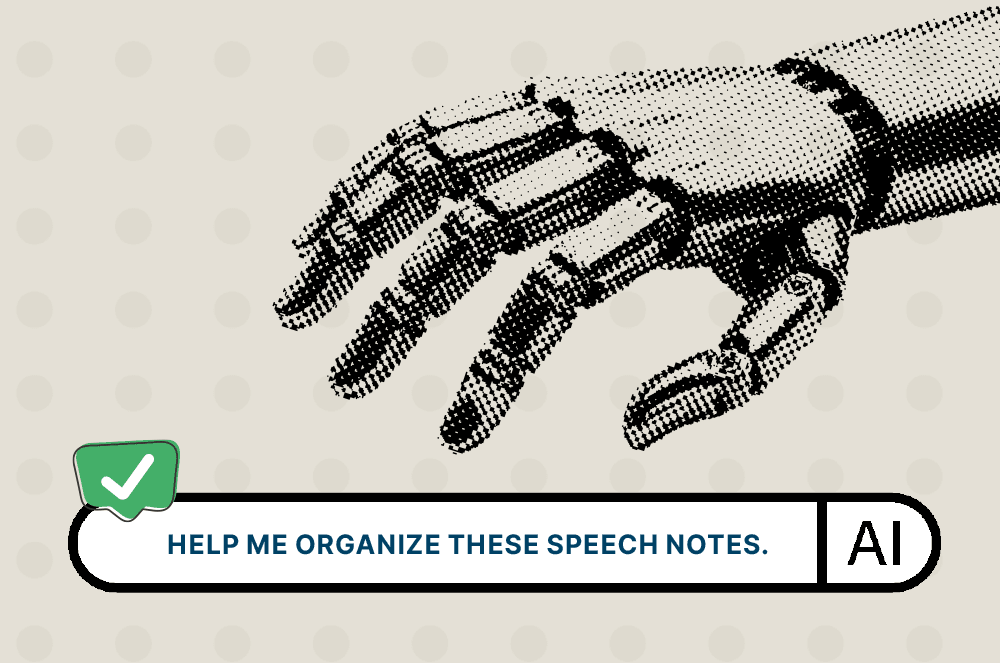
AI also excels at organization. It can take your speech ideas and refine them into a workable outline.
For one speech, McGhee put in his rough draft and asked AI to help him organize the speech, as well as provide suggestions for timing.
“And it broke it up into a nice little outline and had a little summary. And I’m like, ‘Okay, that’s great. I remember hearing on the news at some point that there was a study out there that talked about one of my points, and it seemed to support it. Can you find that study?’”
The AI tool found the study he was interested in and he was able to incorporate it into the speech.
McGhee says further prompts can add suggestions for engagement. (“How could I add some audience participation or interactivity, such as two or three interactive exercises?”) or an emotional appeal (“I really like making an emotional appeal to people about what it feels like to do the right thing. So can you tell me where I can use that skill of mine to really push on the points that I want?”)
Do Use AI to Find Blind Spots and Gauge Audience Response
An understanding of the audience is key to tailoring an appropriate speech, McGhee says. Your prompt can ask AI to determine what a critical audience would think of a speech, and if all your points are relevant to the topic. A further prompt can ask AI to help with proposed responses to such questions, McGhee adds. “I’ll ask it, ‘Please critique the speech.’ ‘Is anything boring?’ ‘What are the things that people might find to be problematic or missing from my speech?’”
McGhee also uses AI when he knows there may be valid counterpoints in his speeches. He asks it to find the answer to fill in that hole.
AI has returned very valuable results. McGhee recalls prompting for any additional information he could add to a speech he would give in Saudi Arabia on why corporations in the kingdom would benefit from having a Toastmasters club in their company.
AI responded, “‘The Kingdom of Saudi Arabia has a five-year plan on how to bring Saudi Arabia to the next level, Vision 2030, emphasizing human capital development and a thriving future economy. You should incorporate that and talk about how developing leaders helps the kingdom.’” McGhee says, “Sure enough, when I arrived, they were talking about that initiative at the conference, so I added content to cover that point.”
Do Use AI to Experiment and Enhance
So what should you do with the time that AI saves? That time should be used to experiment with creativity and nuances of expression, Windingland says. “Sometimes I will incorporate an existing story or topic or point into a new speech, and I will have ChatGPT help me enhance it,” she explains. “I might want it to be funnier. I might want it to give me another way to say this kind of thing.”
It sometimes can help to break speeches down into different segments, such as beginning, middle, and end and prompt for specific results for each, Windingland says. For example, copy just the first three paragraphs of your speech into an AI tool and prompt it to enhance your opening hook. Then share your conclusion and ask it to incorporate that hook into your closing statement. Adding that blocking can result in better tailored and more accurate results.
Do Consider Training AI With Past Speeches
McGhee notes he has uploaded the scripts of past speeches he has given into an AI bot to give the tool examples to understand his personal style.
“I may grab my last three speeches and just add them as links and say, ‘I’ve attached some speeches that give you examples of what I like to talk about and how I talk,’” he says. “It picks up on things like, ‘Oh, you like to use a little humor here and there,’ or ‘Oh, you like to tell some stories about this.’ It sometimes will then say in a future AI session, ‘You know that story you talked about in this speech. You could bring that in here, and that would be awesome.’ I’m like, ‘I didn’t even think of that!’”
DON’T
Don’t Have AI Write the Speech
AI should not write your speech. Doing so removes your personal insight and experiences and deprives the audience of your perspective and experiences. “AI can’t provide that originality,” says McGhee, who gives roughly 20 speeches per year in his professional and Toastmasters capacities and usually uses AI to help prepare.
Think of AI as a tool to help support you when you’re stuck. For example, rather than prompting “I need an intro for this speech,” try “I’m struggling with how to say this” or “Will this paragraph make sense for my audience of X?”
Additionally, unmodified content generated by AI can also be, well, off … “The language is too flowery, and the humor might not land,” Windingland says. AI often tends to eliminate drama, controversy, and the unexpected—content that may prove interesting and memorable in a speech—instead tending to agree with the prompter, she notes.
Generally, AI-generated content should be reworked to make it more in line with how you think and speak. This also helps address another pitfall: plagiarism. Other speakers around the world could be writing a speech on a similar topic and use a similar prompt, resulting in similar AI responsive suggestions.
The consequences for plagiarism in a professional context can be severe, including, in some cases, termination from positions or a lawsuit. Ensuring AI-generated content has been rewritten and amended can avoid this outcome. Windingland and McGhee both say you do not have to disclose to the audience that AI was used in brainstorming or preparing the speech, but do disclose if AI actually did write some of the speech or if you are quoting AI-generated words.
Don’t Share Excessively Personal Content
Be careful sharing personal and sensitive data with AI. There is a distinction between sharing your content with club members or coworkers, and sharing with a much wider, potentially worldwide audience in perpetuity. It may be worthwhile to initially keep the most sensitive personal information out of the speech and add it in only after AI has contributed its speechwriting role.
Don’t Forget to Check the Accuracy of AI Results
Speakers must research each and every fact in their speeches to ensure that they are true. AI tools often tend to be biased toward agreeing with users’ proposals and sometimes generate false answers. AI also responds to prompts with extraordinary speed, which can eliminate the key step of thinking through the content in your speech, misleading you into mistakenly thinking all content is accurate.
Before incorporating any type of information you receive from AI into your speech, you should always check the key facts with trusted sources, such as academic journals and ideologically balanced news sources, which have professional editors and fact-checkers who ensure accuracy and authenticity. To ensure the AI tool is using reliable sources, prompt it to include a list of articles and links where the facts came from. Then confirm with that source that the points are correct.
Windingland says that ChatGPT, when prompted to pull quotes from survey responses for a story she was writing, delivered seemingly impressive results: “I couldn’t believe how good they were. But when I checked it, none of the quotes were what people had written. It ended up being a big waste of time because I had started writing the story based on the quotes. If you want something verbatim, you have to say, ‘I want it verbatim; do not change [or make up] the quote.’”
AI is a tool to support you, and using it as a crutch only hurts you. You join Toastmasters to learn a skill that is translatable and usable.
McGhee says he thinks of AI as a friend who makes suggestions, not all of which are good or will be used. “You may not like any of the ideas it generates,” he says. “You may say, ‘Hey, I need five more ideas,’ or you may decide you have a better idea. AI is a copilot; you’re the pilot in command.”
Share this article


 Previous Article
Related Articles
Technology
7 Generative AI Pitfalls for Communicators

Technology
ChatGPT: Enhance Your Toastmasters Speeches
Technology